
Role-Based Access Control (RBAC)
We implement role and permission models that map your org's real duties to what each user can see and do inside the system.
- Role, permission, and scope data model
- Enforcement in both UI and backend routes
- Admin screens to assign and review access
Problems we solve
Permissions scattered through the code
Ad-hoc if-statements checking user types are impossible to audit and easy to get wrong. Access rules need one clear, enforced model.
All-or-nothing access
When the only roles are "admin" and "everyone else", people get far more power than they need. Real organizations need graded roles.
Dangerous edge cases
Removing the last admin, changing your own role, or cross-organization access are the edge cases that cause lockouts and breaches when unhandled.
The workflow
You provide
- Role and permission inventory
- User-to-role intent
- Sensitive-action list
We handle
- Role modeling
- Permission grouping
- Assignment review
You receive
- Role-based access model
- Permission matrix
- Review-ready assignments
How we approach it
As soon as more than a couple of people use a system, "who can do what" becomes a real problem. Role-based access control answers it cleanly: permissions attach to roles, roles attach to people, and every action is checked against them — on the server.
We design RBAC that fits how your organization actually works — including nuances like organization scoping and last-owner protection — and enforce it consistently so the right people can act and the wrong ones cannot.
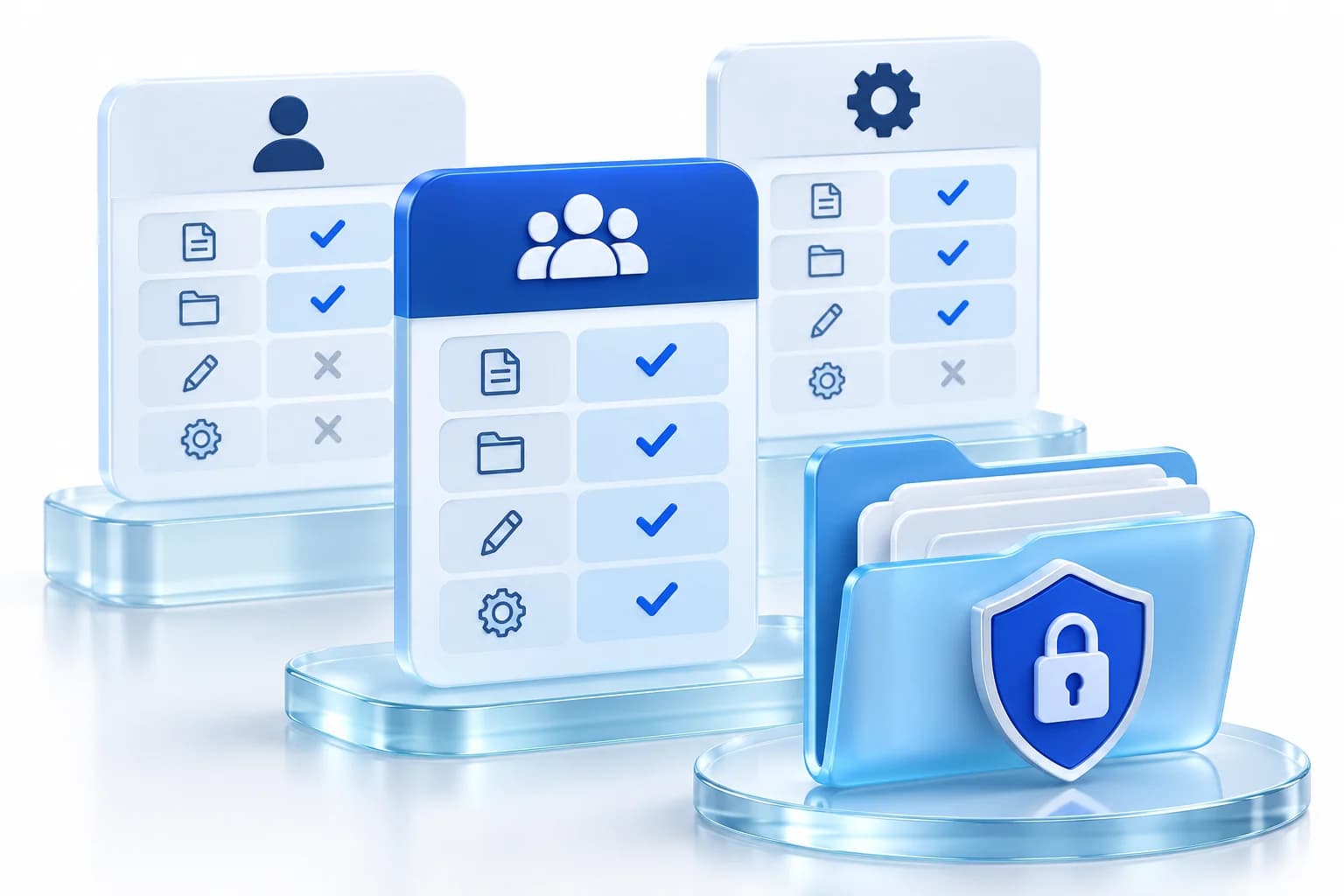
A clear role/permission matrix
We define roles and the specific actions each may perform, in one place, so access is legible and auditable instead of buried in code.
Server-enforced, consistently
Every sensitive action checks the actor’s current role from the source of truth — so permissions cannot be forged and changes take effect immediately.
Guardrails for the edge cases
Organization scoping (no cross-tenant access), self-lockout prevention, and last-owner protection so administration is safe as well as flexible.
What you get
- A documented role/permission matrix
- Server-side permission enforcement across the app
- Organization/tenant scoping of access
- Self-lockout and last-owner protections
- Audit events for permission-sensitive actions
- Tests proving each role’s boundaries
Technologies & integrations
Our delivery process
- 01Model roles
Define roles and the exact actions each may take.
- 02Enforce
Implement server-side checks from the source of truth.
- 03Scope
Add tenant/org scoping and edge-case guardrails.
- 04Audit
Log sensitive actions and denials.
- 05Verify
Test each role’s allowed and forbidden actions.
Frequently asked questions
RBAC vs. ABAC — which do we need?
Most organizations are served well by RBAC (roles and permissions). Attribute-based rules add value for fine-grained, context-dependent access; we combine them where the requirement genuinely calls for it, rather than over-engineering.
Can roles differ per organization or team?
Yes — we scope access by organization/tenant so the same role means the right thing within each customer or team, with no cross-boundary access.
How do you prevent admin lockouts?
With guardrails like self-role-change limits and last-active-owner protection, so administration cannot accidentally lock an organization out of its own account.